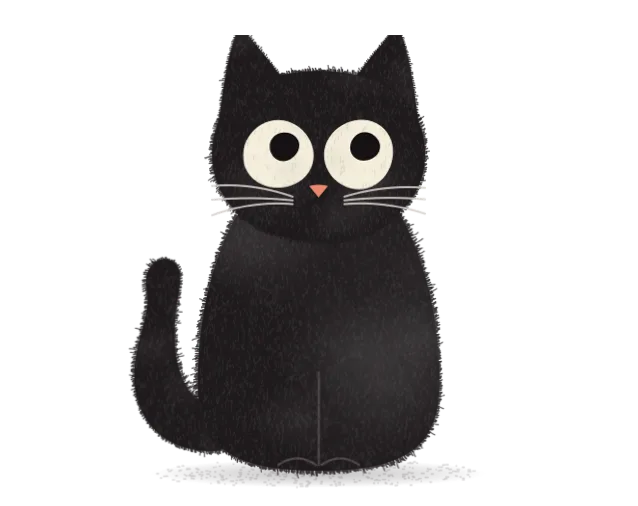
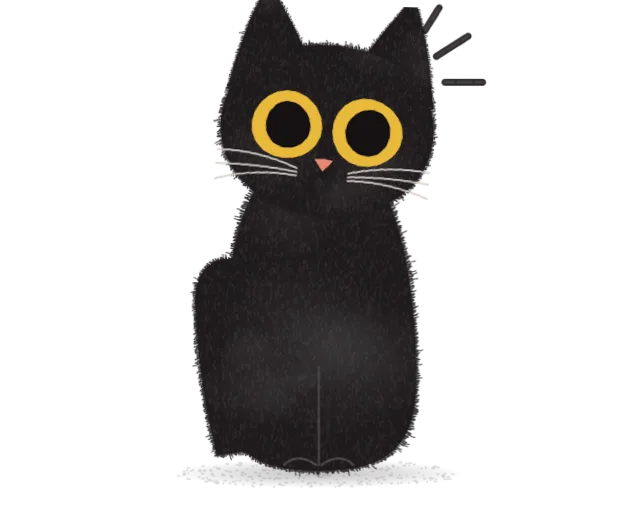
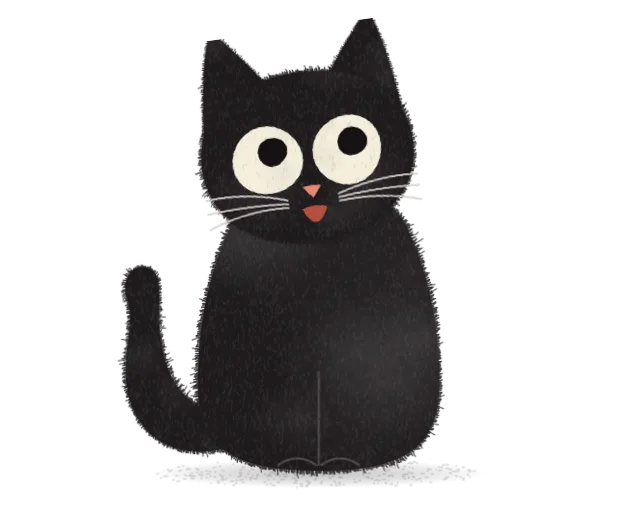
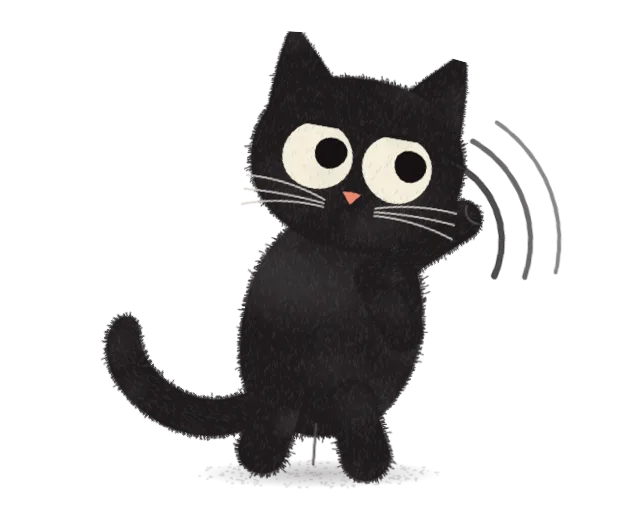
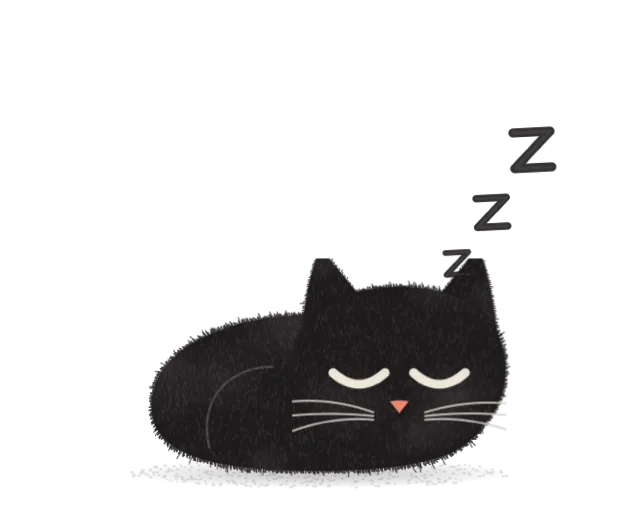
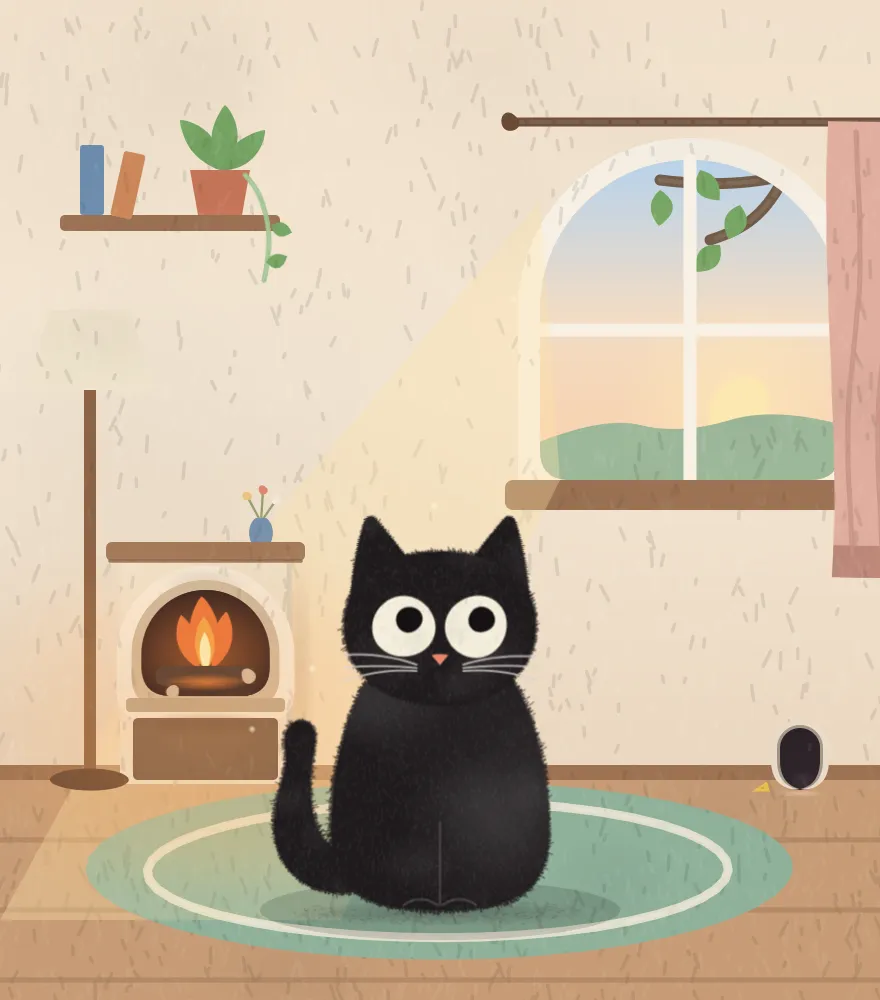
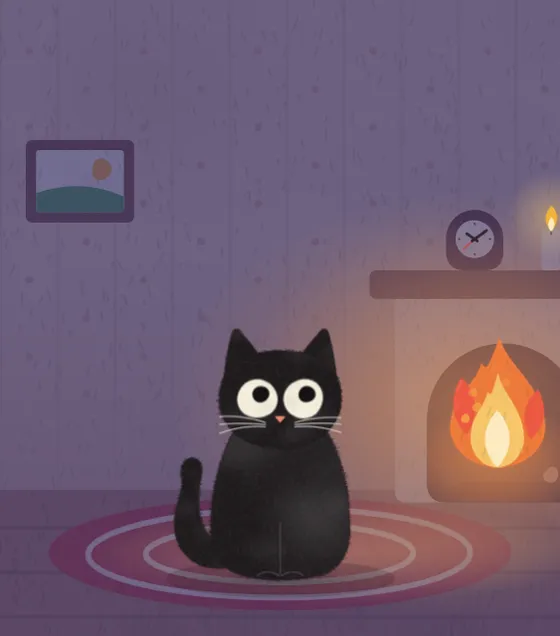
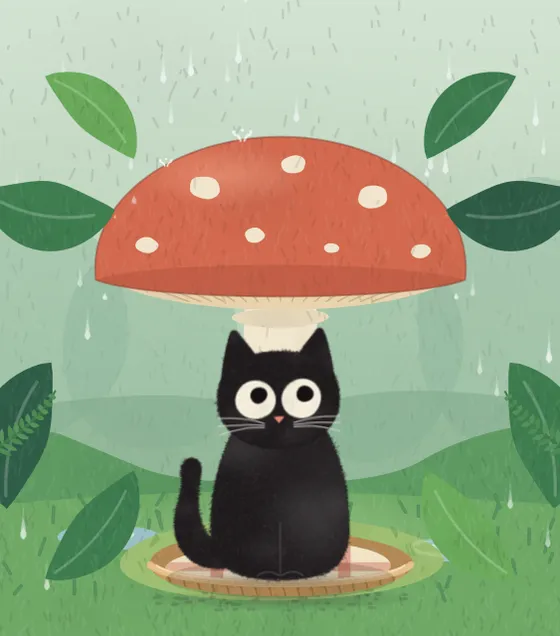
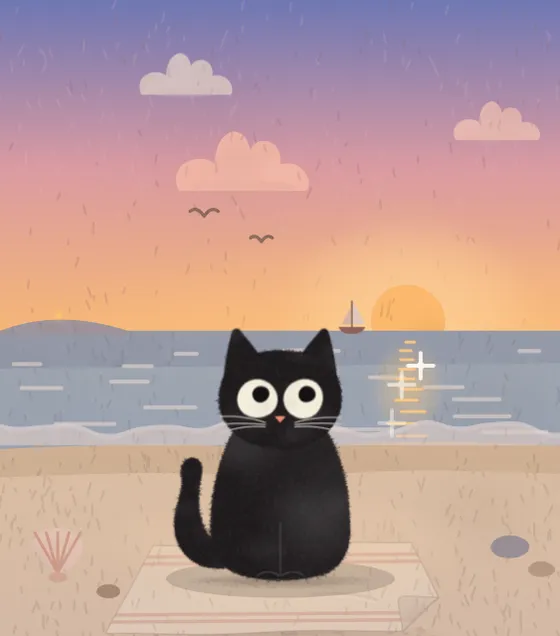
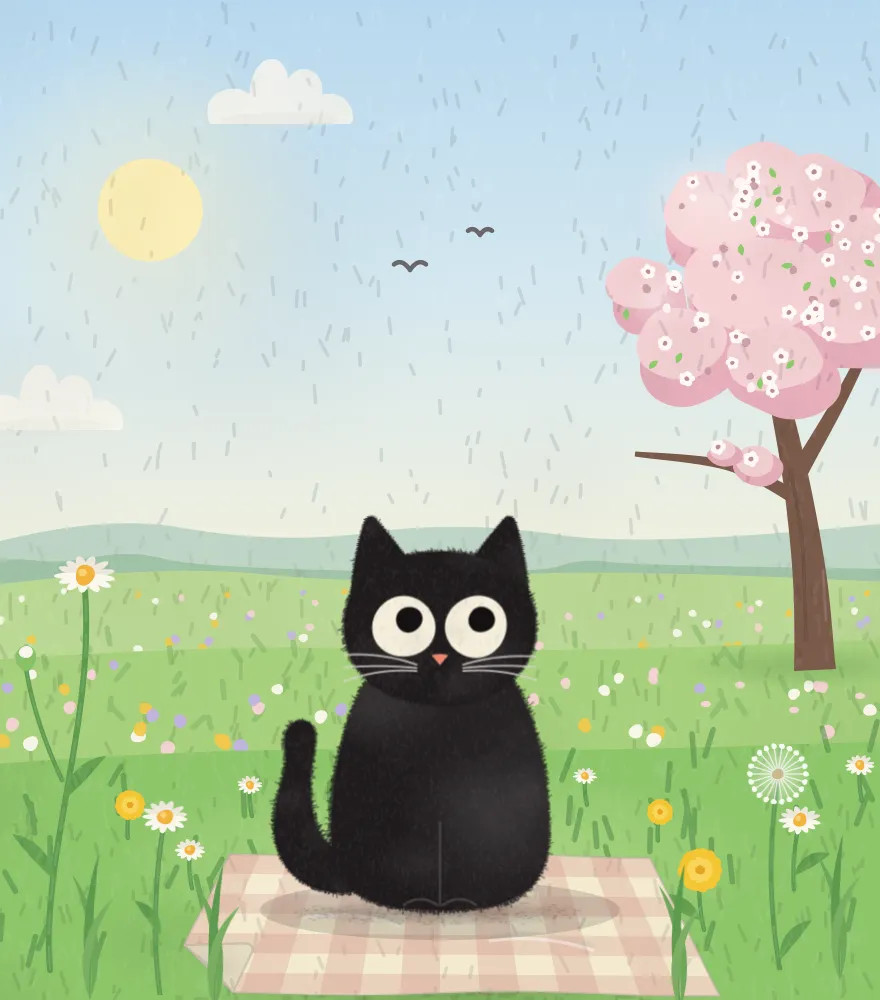
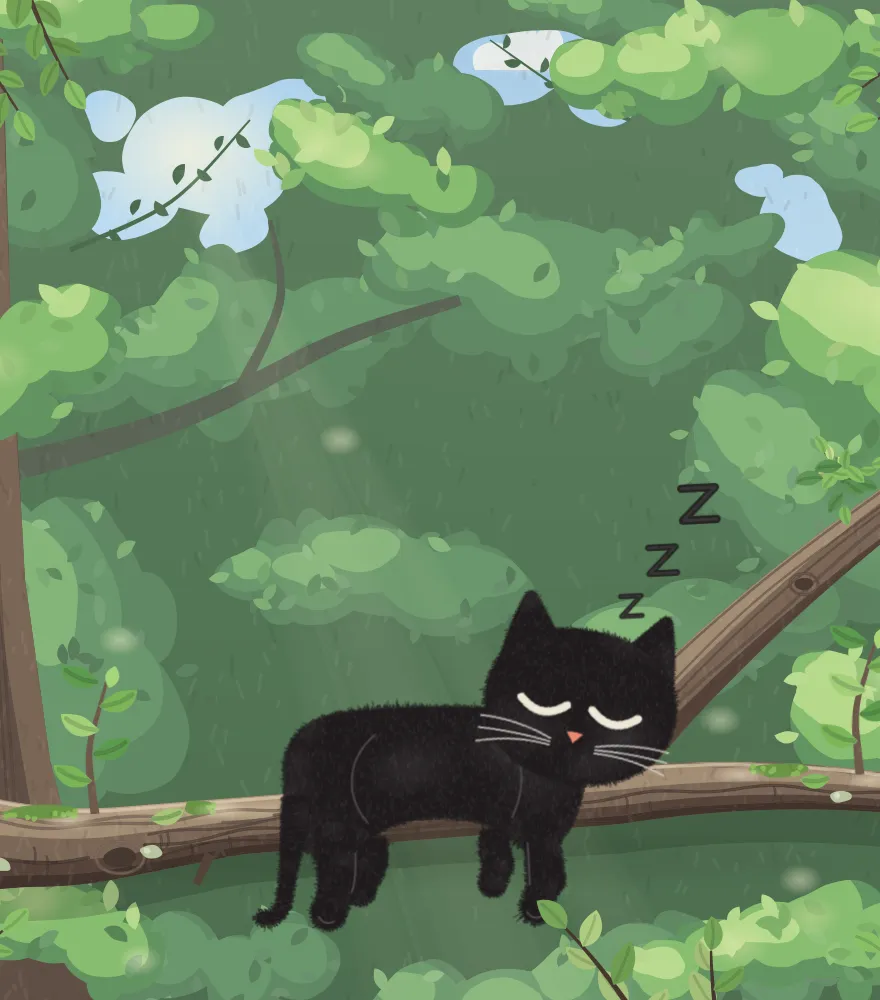
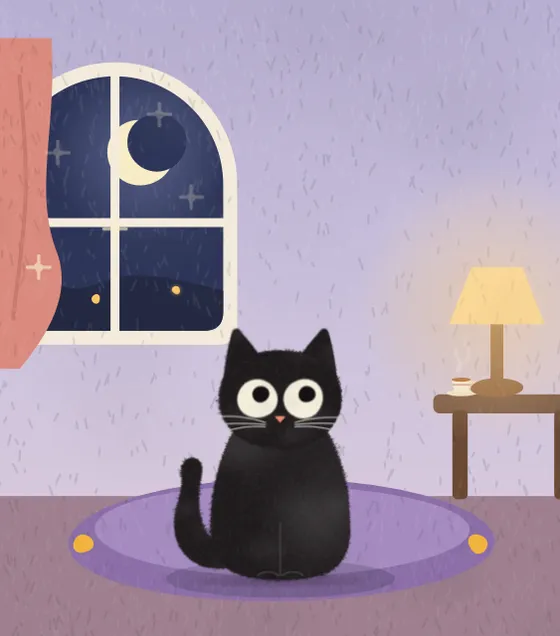
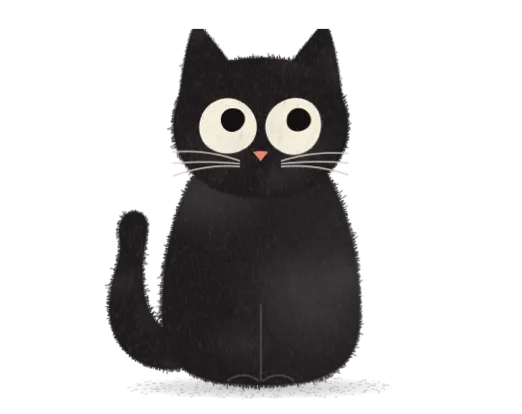
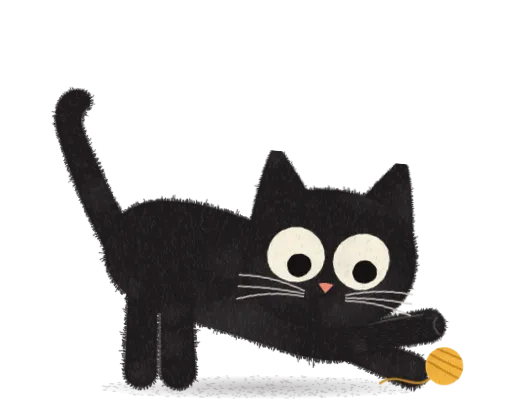
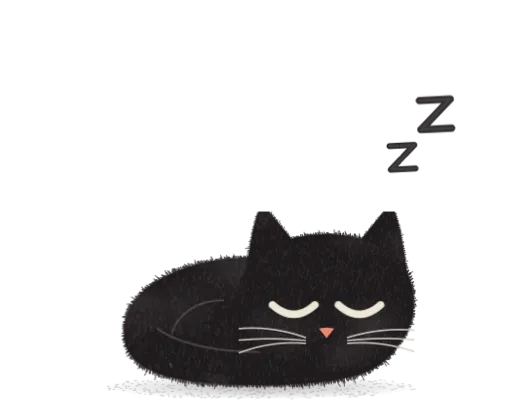
Write what you want to work on, and a small picture-book cat sits down in the corner of your screen. Drift to a distraction and she reminds you of your work, or simply closes it. One click brings it back.
In your Mac’s menu bar and on your iPhone · macOS 14 or later · No account, everything stays on your own devices
Pet me, and I’ll purr.
Drift off? She notices
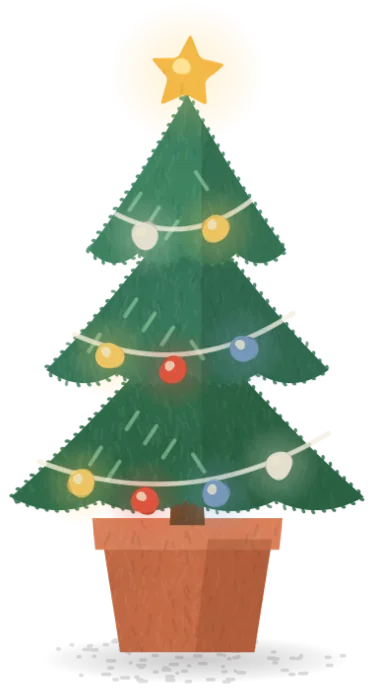
Open a feed while you work. What she does next is up to you.
Company: you open a feed, and your companion only notes it for the recap after the session.
Chapter one – draftFeed
feed.exampledocs.example/chapter-one
Chapter one
Noted for your recap: Feed
Back to “Write the first chapter”?
Back to WorkThis Is Work
Took that tab away.
Bring It Back
Three steps, then you’re off
1
Say what you’re working on
2
Pick how firm she is
3
Pick a place and its sound, or just start
FinderFileEditView9:41
FocusBreak✦ Lv 3
No tag
What are we working on?
−25:00+
Nudges you back
Start Focus
Seven places to work with her
Each has its own sound and follows the hour and the season. Swipe through them on the iPhone, or click the arrow on the Mac.
Her room
By the fire
Summer rain
The sea
The meadow
Up in her tree
The night window
Drawn like a picture book Alive like a cat
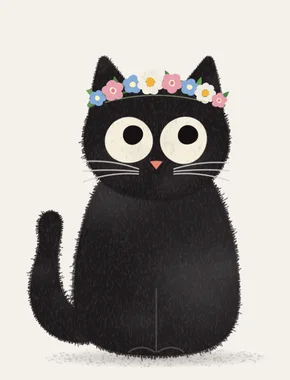
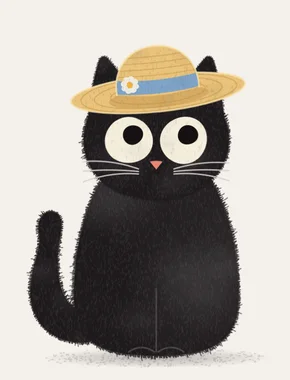
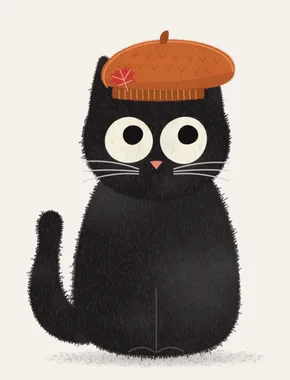
Rest your pointer on her and she purrs, leans into your hand and melts onto her side. She dresses for the season, too.
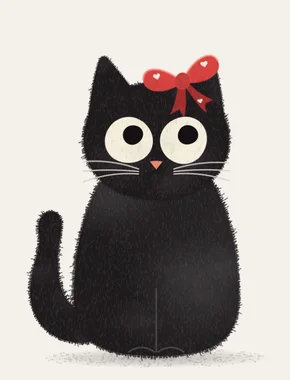
She dresses for the season
A red bow, a flower crown, a straw hat, a knitted beret, and pieces that come with time together. Hers for good.
Rather not? Turn it off in Settings → Companion → Seasonal outfits.
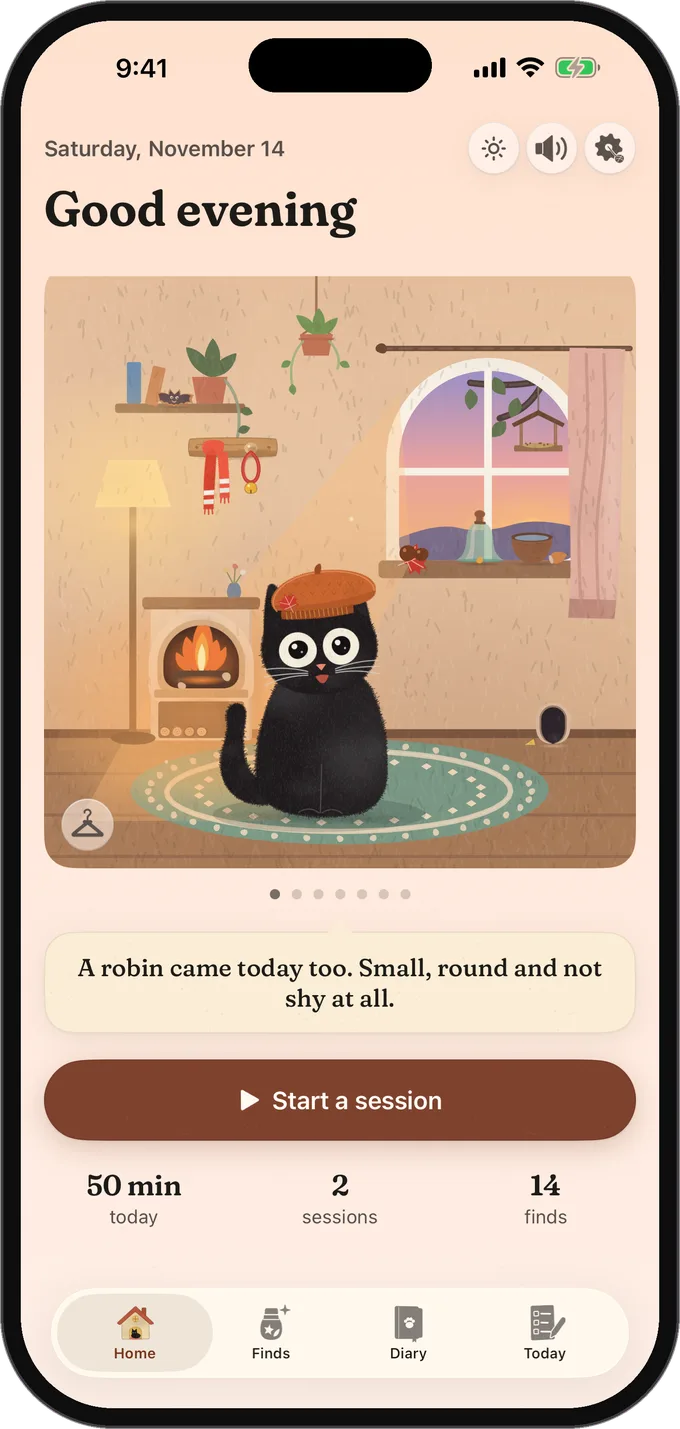
She comes along in your pocket
Pick up your iPhone and she hops over to it. Put it down and she goes back to your Mac.
On its way to the App Store. Join the waitlist to hear first.
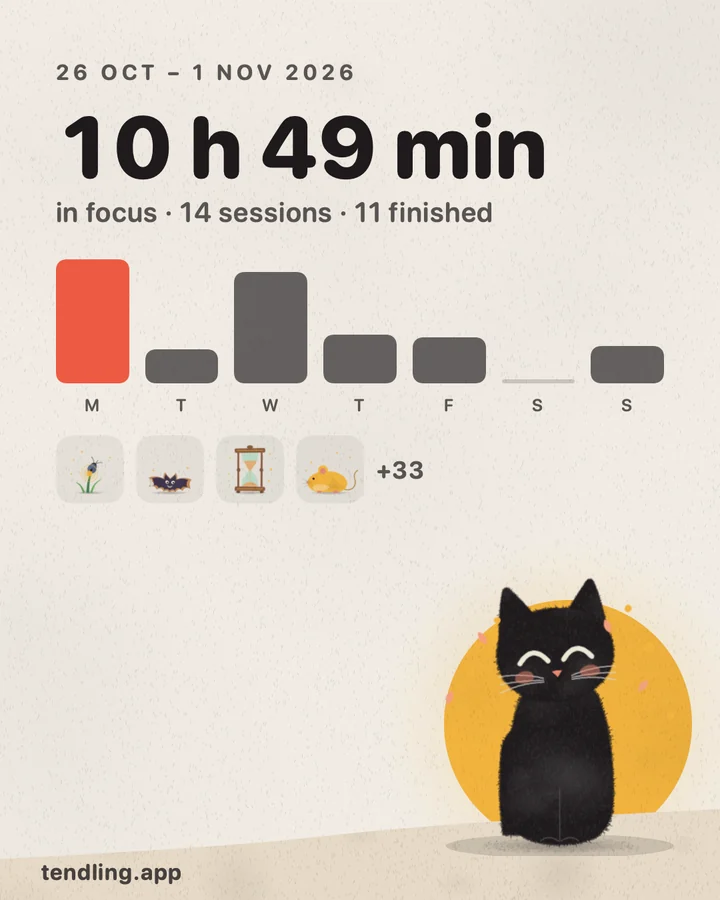
Your week, in one picture
The Overview turns your week into a card to keep or send. Only numbers leave, and only when you send it.
Never an intention, a tag, an app or a website on it
The calendar shows which length fits before your next event
A right click on the menu bar icon starts again or takes a break
It stays on your devices
No account, no tracking.
On your own devices
Your Mac, and your iPhone if you link one. Nothing is uploaded.
No telemetry
No analytics, no tracking, no account.
Never your keystrokes
No keystrokes, no screenshots, no page content.
Weather only if you want
Off by default. Location rounded to about 10 km.
Export or delete
Everything, any time, from Settings.
Easy to hide
One shortcut hides her before you share your screen.
Questions
Which Macs does it run on?
Any Mac with macOS 14 or later, Apple silicon or Intel.
Does it block websites?
No, nothing is blocked. In Close mode your companion can close the tab or window you drifted to, only in apps you allow and always with Undo. A pinned tab is never closed, a game is only tucked away like ⌘H, never quit, and you can switch closing off in Settings.
Can it lose my unsaved work?
It’s built not to. It won’t close a tab while you’re typing in it, and it closes a window with the window’s own close button, so apps that ask “Save changes?” still ask. You can undo any close for 30 minutes.
Does it need permissions?
Only for some things. The timer, your companion and the sounds need none. To see which website you’re on, macOS asks you once per browser whether Tendling may read its active tab, and to close things, Tendling needs Accessibility. Without Accessibility, it nudges instead of closing.
Will others see her when I share my screen?
They might. Before you share, hide her with one shortcut, or switch on privacy mode.
Is there an iPhone app?
Yes, it’s on its way to the App Store. It links to Tendling on your Mac over your own Wi-Fi, encrypted, with no account and no server, so you can start a focus on the phone and the Mac keeps watch. Your data stays on the two of them, and it works without a Mac too. More about it
Is there a dog?
Yes. You can pick a cat, a dog or a cat-dog, and each has her own scenes and catches.
Is it a subscription?
No. You pay $5 once and keep it, with every 1.x update included. If it isn’t for you, you get a full refund within 14 days.
Why does macOS say it can’t check Tendling?
Tendling isn't notarized by Apple yet. The first time you open each version, macOS asks you to confirm it in System Settings → Privacy & Security → Open Anyway. It takes a minute, and Support walks you through it.
Something isn’t working. Where do I go?
Have a look at Support, or choose Report a Bug in the app. It opens a short form, then an email in your own mail app that you read before you send it.
Ready when you are
Download Tendling, tell your companion what you’re working on, and let her curl up in the corner.